

Close Menu
    Facebook X (Twitter) Instagram Pinterest WhatsApp Discord
    TechzureTechzure
    • Blog
      1. Crypto
      2. Windows
      3. View All

      How to Make an Account on Metamask

      March 20, 2023

      Crypto Testnet Faucets: How They Work and Should You Use Them?

      March 10, 2023

      Is Cryptocurrency The Future of Money?

      February 15, 2023

      Crypto and Blockchain Explained

      February 10, 2023

      RAM: The Unsung Hero Powering Modern Computing

      October 22, 2021

      Mastering the Windows Task Scheduler: Automation at Its Best

      October 11, 2021

      Unmasking Windows Driver Errors: Causes, Solutions, and Best Practices

      October 4, 2021

      Computer Storage: The Bedrock of Digital Progress

      January 3, 2021

      AI’s Societal Impact: Analysis & Adaptive Strategies

      May 26, 2025

      Smartwatch Evolution: From Timekeepers to Health Tools

      May 19, 2025

      Rise of Sophisticated Mobile Games & Monetization Models

      May 12, 2025

      How AI Enhances Gameplay with Adaptive Difficulty & NPCs

      May 5, 2025
    • Web
      1. WordPress
      2. SEO
      3. Hosting
      4. View All

      Resolve common HTTPS insecure site and mix-content warning Error

      February 3, 2020

      Backlink Breakdown: The Art and Science of Building Quality Links

      November 28, 2021

      The Power of Backlinks in SEO: A Deep Dive into Their Role, Quality, and Influence on Ranking

      November 21, 2021

      Mastering Web Design: Crafting User-Centric Experiences

      May 8, 2021

      The Role of Content in SEO: A Deep Dive into the Symbiotic Relationship

      May 3, 2021

      Building A Business With Unlimited Reseller Hosting

      March 13, 2020

      Backlink Breakdown: The Art and Science of Building Quality Links

      November 28, 2021

      The Power of Backlinks in SEO: A Deep Dive into Their Role, Quality, and Influence on Ranking

      November 21, 2021

      Understanding SSL: Ensuring Online Security

      November 12, 2021

      Streaming Wars: The Digital Transformation of Entertainment

      July 16, 2021
    • Gaming

      GTA Popularity Continues to Rising

      March 15, 2023

      Top Upcoming games and what to expect

      January 8, 2023

      Top Games of 2022

      December 7, 2022

      Play 2 Earn In Crypto

      September 3, 2022
    • News

      GTA Popularity Continues to Rising

      March 15, 2023

      The Rise of Private Trackers

      February 23, 2023

      Top Upcoming games and what to expect

      January 8, 2023

      Top Games of 2022

      December 7, 2022

      Is meta the future

      December 6, 2022
    • Reviews

      Best Grocery Shopping APP in India in 2020

      April 7, 2020
    • How-To Guides

      How to Make an Account on Metamask

      March 20, 2023

      How to Resolve Error 1923 occurs when you try to update Adobe Acrobat DC

      January 30, 2023

      How to change name pattern in Sharex

      January 24, 2023

      Maximizing Phone Battery Life: Essential Tips and Tricks

      September 21, 2021

      How to Make Money on Youtube

      August 21, 2021
    • Technology

      New Feature of Microsoft Edge: Constant Data Fetch from Chrome

      March 4, 2023

      Does NFT have a future?

      January 15, 2023

      Web3 Future

      October 4, 2022

      Understanding SSL: Ensuring Online Security

      November 12, 2021

      The Motherboard: The Heart and Soul of a Computer

      November 2, 2021
    TechzureTechzure
    Home - Blog - The Anatomy of a Windows Error Message: Deciphering What Your Computer is Trying to Tell You
    Blog

    The Anatomy of a Windows Error Message: Deciphering What Your Computer is Trying to Tell You

    JainBy JainSeptember 27, 20214 Mins Read
    Facebook Twitter WhatsApp Telegram Email Pinterest
    windows-error

    Introduction

    Every Windows user, at some point, has faced the mysterious pop-up windows known as “error messages.” Although alarming, these notifications sometimes act as a communication channel between the computer and the user. Let’s dive deep into understanding the anatomy of a Windows error message and how to decode its meaning.

    What is a Windows Error Message?

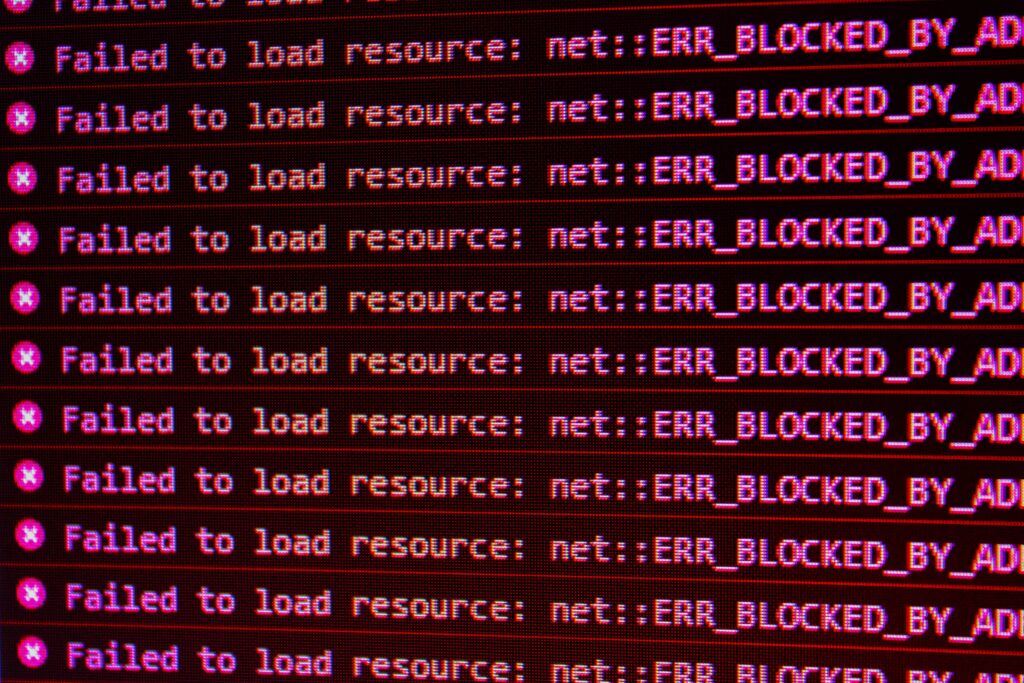
    At its core, a Windows error message serves as an alert system. When the operating system, an application, or a service encounters an issue, it cannot automatically resolve it, and it informs the user about the problem through these messages. They often come with codes or descriptions that provide clues about the underlying issue.

    Breaking Down the Anatomy

    1. Title Bar: Every error dialog box has a title bar, which usually states the program or service that triggers the error. For example, if Microsoft Word runs into an issue, the error message might start with “Microsoft Word Error.”

    2. Main Error Code: Often accompanied by a series of numbers or a specific phrase, this is the central component of the error. For example, a common one you might see is “Error 404” when a webpage isn’t found.

    3. Error Description: Beyond the main code, Windows typically provides a brief description of the problem. This might say, “The page you are looking for might have been removed, had its name changed, or is temporarily unavailable.”

    4. Additional Information: Some errors include a “More Details” or “Advanced” button. Clicking this reveals further technical details, which can be especially useful for IT professionals or online troubleshooting.

    5. Action Buttons: Almost every error message gives options through buttons. Common ones include “Retry,” “Cancel,” or “Close.” In more severe error cases, like the Blue Screen of Death, you might not have any options other than restarting your computer.

    Decoding Common Error Messages

    1. Application Not Responding: This means the program you’re using has frozen or is taking longer than expected to process a task. You can wait or close the application.
    2. File Not Found: The system can’t locate a specific file. This often happens if a file gets deleted or moved.
    3. Access Denied: You don’t have the necessary permissions to access a particular file or folder.
    4. Out of Memory: Your computer needs more RAM to perform the requested task.

    What Triggers These Messages?

    Various factors can prompt an error message:

    • Software Bugs: If a piece of software has a coding error, it might crash or produce unexpected results.
    • Hardware Issues: Faulty RAM, an overheating CPU, or a failing hard drive can lead to errors.
    • Network Problems: If your computer can’t connect to the internet or another device on a network, you might see an error.
    • Corrupt Files: A damaged file, whether due to bad sectors on a hard drive or improper saving procedures, can generate errors when the system tries to access it.

    How to Address and Troubleshoot

    1. Stay Calm: First and foremost, don’t panic. The error message is there to help, not to hinder.
    2. Note Down the Error: Before hitting “close” or “restart,” jot down the error code and message. This makes troubleshooting much more manageable, especially if the error is sporadic.
    3. Search Online: Input the error code or message into a search engine. The chances are that others have faced the same problem, and solutions might already be available.
    4. Use Built-in Tools: Windows comes equipped with several troubleshooting tools. The “Troubleshoot” option in the Settings menu can automatically diagnose and fix many common problems.
    5. Update and Upgrade: Ensure your software and drivers are up-to-date. Sometimes, updating can resolve compatibility issues or known bugs.
    6. Seek Expert Advice: If you cannot resolve the error, consider contacting IT professionals or tech-savvy friends. Sometimes, a fresh pair of eyes can spot something you might have missed.

    Conclusion

    Windows error messages, although daunting, serve a critical purpose. They relay issues that the system encounters, helping users address problems head-on. By understanding their structure and knowing how to decipher them, you arm yourself with the tools needed to tackle most computer challenges. Remember, every error message is an opportunity to learn more about your system and how it functions.

    error windows error
    Share. Facebook Twitter Pinterest Email Reddit Telegram WhatsApp
    Previous ArticleMaximizing Phone Battery Life: Essential Tips and Tricks
    Next Article Unmasking Windows Driver Errors: Causes, Solutions, and Best Practices

    Related Posts

    Blog

    AI’s Societal Impact: Analysis & Adaptive Strategies

    May 26, 20259 Mins Read
    Blog

    Smartwatch Evolution: From Timekeepers to Health Tools

    May 19, 20258 Mins Read
    Blog

    Rise of Sophisticated Mobile Games & Monetization Models

    May 12, 20256 Mins Read
    Add A Comment
    Leave A Reply Cancel Reply

    Editors Picks

    Innovative Kitchen Gadgets for Efficient Cooking

    September 7, 2024

    New Feature of Microsoft Edge: Constant Data Fetch from Chrome

    March 4, 2023

    Mastering the Windows Task Scheduler: Automation at Its Best

    October 11, 2021

    Content as the Kingpin: Fine-tuning SEO with Quality Writing and Keywords

    June 5, 2021

    Top Games of 2022

    December 7, 2022
    • Techzure: Your Source for all things Techie Stuffs. We provide all the latest Tech, Games, Crypto news and reviews of World, Windows, Market & much more.
    Facebook X (Twitter) Pinterest Instagram RSS

    Categories

    • Blog
    • News
    • Crypto
    • How To
    • Gaming
    • Reviews
    • Technology

    Services

    • Advertise with US
    • Cookies Policy
    • Copyright
    • Newsletters
    • Sponsored News
    • Work With Us

    Subscribe to Updates

    Get the latest creative news from FooBar about art, design and business.

    © 2025 ThemeSphere. Designed by ThemeSphere.
    • Privacy Policy
    • Terms
    • Contact

    Type above and press Enter to search. Press Esc to cancel.